


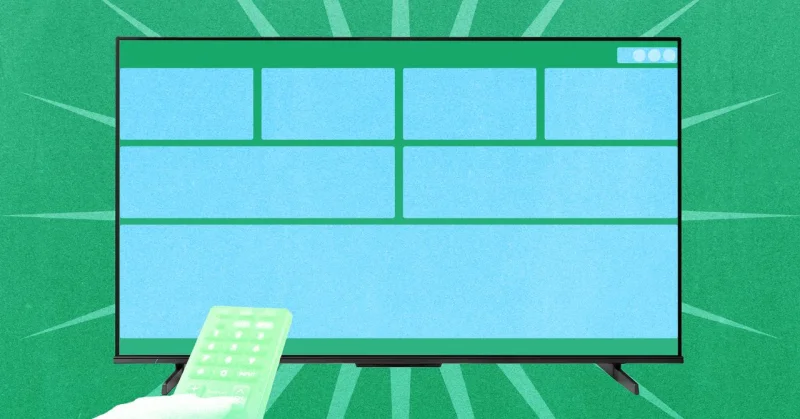
AT4K gives Google TV users a way to replace the default home screen with a cleaner launcher that skips the ads and puts apps and inputs closer to reach. The free Tv app is available on Google Play, and it is built for sets running Android-based Google TV.
That matters now because Google TV comes preinstalled on new televisions from Sony, Hisense and TCL, among others, and many owners are stuck with the same crowded home screen full of movie and show promotions. AT4K is meant to pull some of that clutter out of the way. Its interface borrows from Apple TV, adding a clock in the top-right corner along with buttons for app settings, system settings and connectivity settings. It also shows thumbnails for the streaming services a user actually uses, plus a row of boxes for shows being watched and a line of five applications underneath.

The result is a home screen that feels more personal and less like a storefront. Users can move or hide apps, and moving them is simple enough: select an app, press and hold the enter button, then choose the Move App option. The app is free with no advertisements, though a premium version can be unlocked for $5 if someone wants the extras. That makes AT4K more than a visual tweak; it is a direct challenge to the default Google TV layout, which many viewers see as the real problem.
There is one catch. Installing AT4K does not automatically make it the TV’s launcher everywhere. Users need to enable accessibility permissions in the Controls section of settings before it can fully replace the default Google TV home screen, and after that it can launch when the television turns on or when the user backs out of another app. On the test TV, the Home button still sent the user to the Google launcher until Button Remapper, another free tool, was used to change it. That leaves the app useful, but not entirely hands-off.
For Google TV users who have wanted a cleaner front door to their television, AT4K is the closest thing to a reset button. The unanswered question is how many people will bother to install it, grant the permissions and remap the controls. If they do, the default home screen may start looking less permanent than it has for years.