

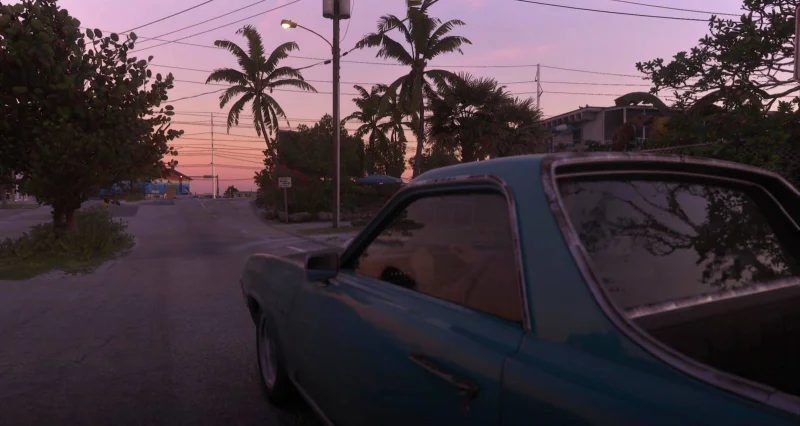
Grand Theft Auto 6 gives players an auto drive feature that can take over driving, flying, or sailing, and it can be switched on with a simple press when you are in a vehicle. Hold down on the D-pad to turn it on, then hold down on the D-pad again to shut it off.
The search around how to auto drive GTA 6 makes sense because the feature is already active from the start, but only in safe scenarios. In practice, that means the game can handle the trip for you without needing a destination, though if you do set one, auto drive will take you there. It also puts the game into cinematic mode, while still leaving room to use photo mode from the pause menu and keep control of the radio.
That convenience is the whole point. Auto drive can spare players from traffic mistakes, road rage, manslaughter, crashed planes, and other problems that can happen when movement is left to manual control. It can even get a player out of awkward moments like bad parking. But the feature is not a cure-all, and it does not undo damage or problems that have already started before it is enabled.
There is also a limit that matters. In unrestricted mode, auto drive can be used in unsafe situations, including chase or escape missions, but it is not the best choice when things get hectic. A specific setting has to be toggled on for that broader use to work in some circumstances, which is why the feature can feel straightforward in one moment and more selective in another.
For players moving through Leonida, the bigger takeaway is simple: auto drive is built for convenience, sightseeing, and avoiding traffic, not for replacing driving skill altogether. The feature can help, but it works best when the road is calm enough to let it do the job cleanly.